A closer look
Designed to feel calm, not cluttered
Clean cards, a familiar green, and controls that stay out of your way while you study.
On your phone
Study from your pocket
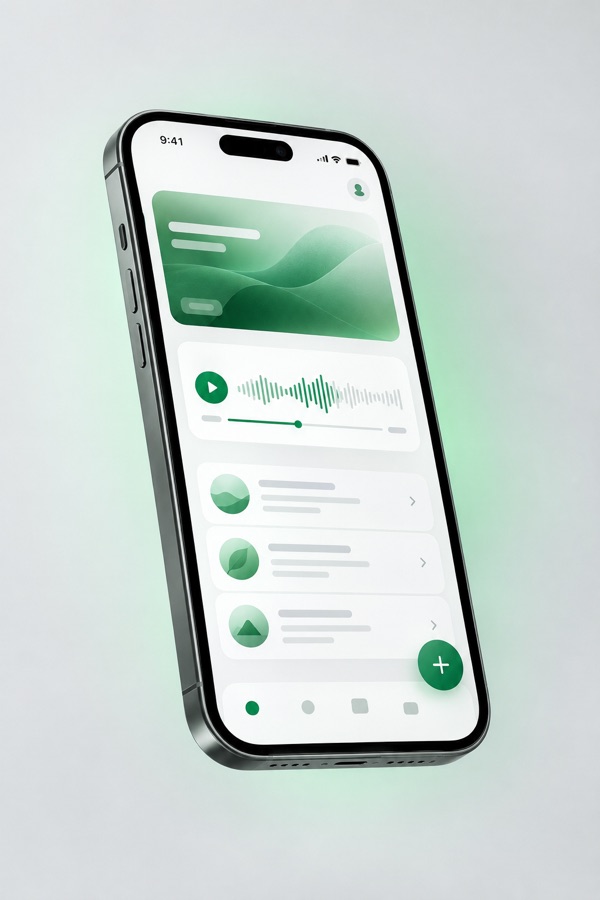
Resume a Live Listen session, flip through a flashcard deck, or play saved audio — all from a single, uncluttered home screen.
- One-tap resume with your saved voice & speed
- Swipeable flashcard review queue
- Waveform scrubbing on every recording

On your desktop
The full toolkit on Mac & Windows
Bigger screen, same sync. Review quota usage, manage your audio library, and run on-device AI through Ollama on desktop.
- At-a-glance cloud AI usage for Gold accounts
- Manage study groups and shared decks
- Everything synced the moment you sign in elsewhere
Previews above are illustrative of The Study Aid's visual style. Real in-app screenshots are coming soon — check back, or follow the changelog.